Tracking / Shipment History
1. Shipment History Overview
The Shipment History page shows you a list of all past shipments with details like shipment IDs, order IDs, quantities, and status of each shipment.
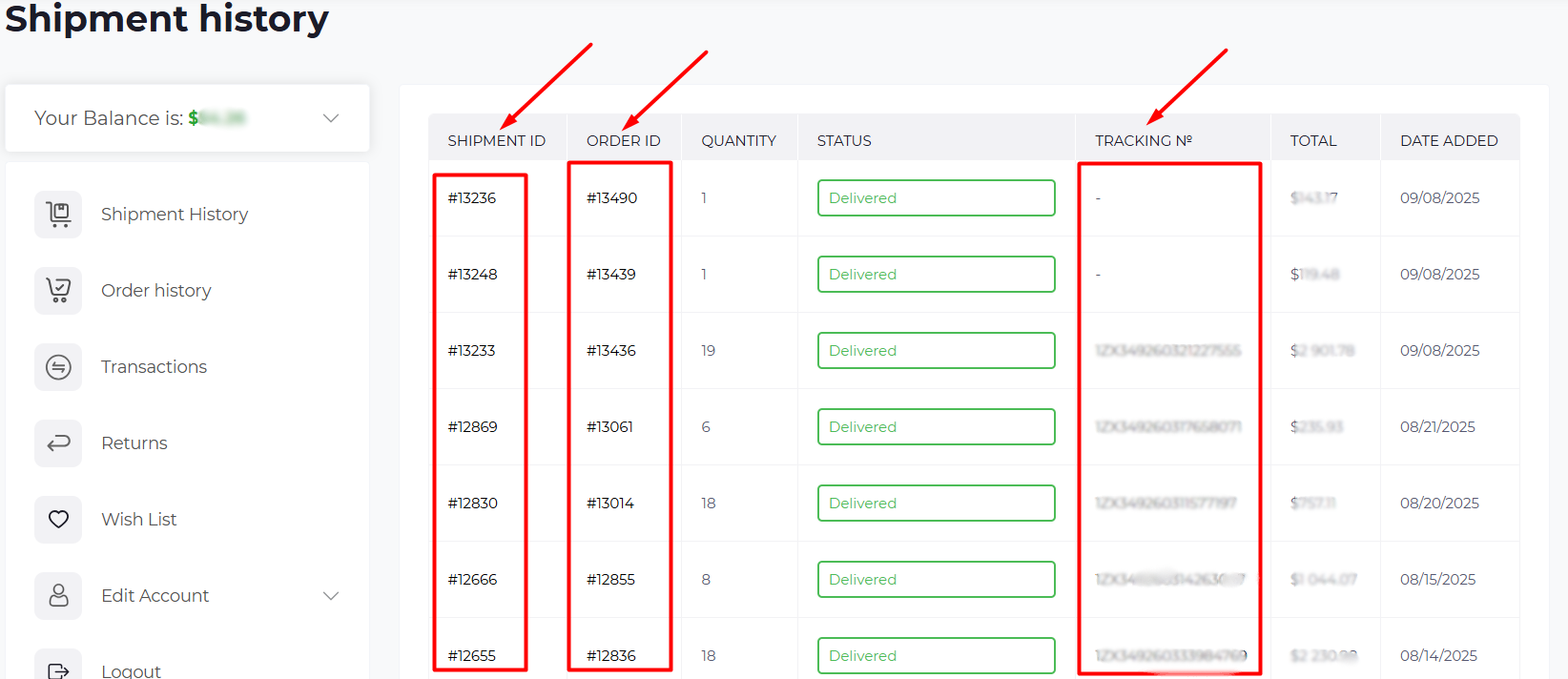
Key Columns:
- Shipment ID – Unique identifier for each shipment.
- Order ID – The order linked to this shipment.
- Quantity – Number of items in the shipment.
- Status – Displays the current status (e.g., Delivered, Formed).
- Tracking Number – A link to track your shipment through the courier service.
2. Tracking Details
Once your items are shipped, you’ll find your Tracking Number in the Shipment History section. Here’s how it works:
- Shipment ID – Click on the Shipment ID to view real-time updates on your shipment’s journey, including the Tracking Number and current status.
- The tracking info will show the status (e.g., In Transit, Delivered), and let you know where your package is during the delivery process.
3. Detailed View of Shipment
Click on any Shipment ID to open the full shipment details:
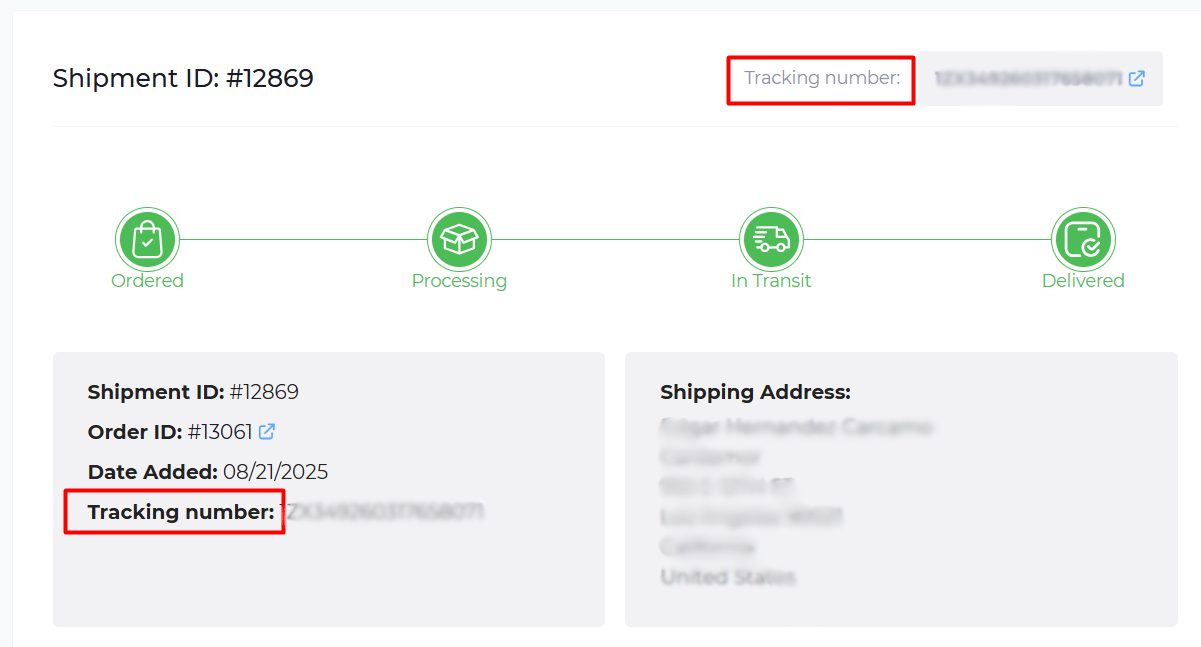
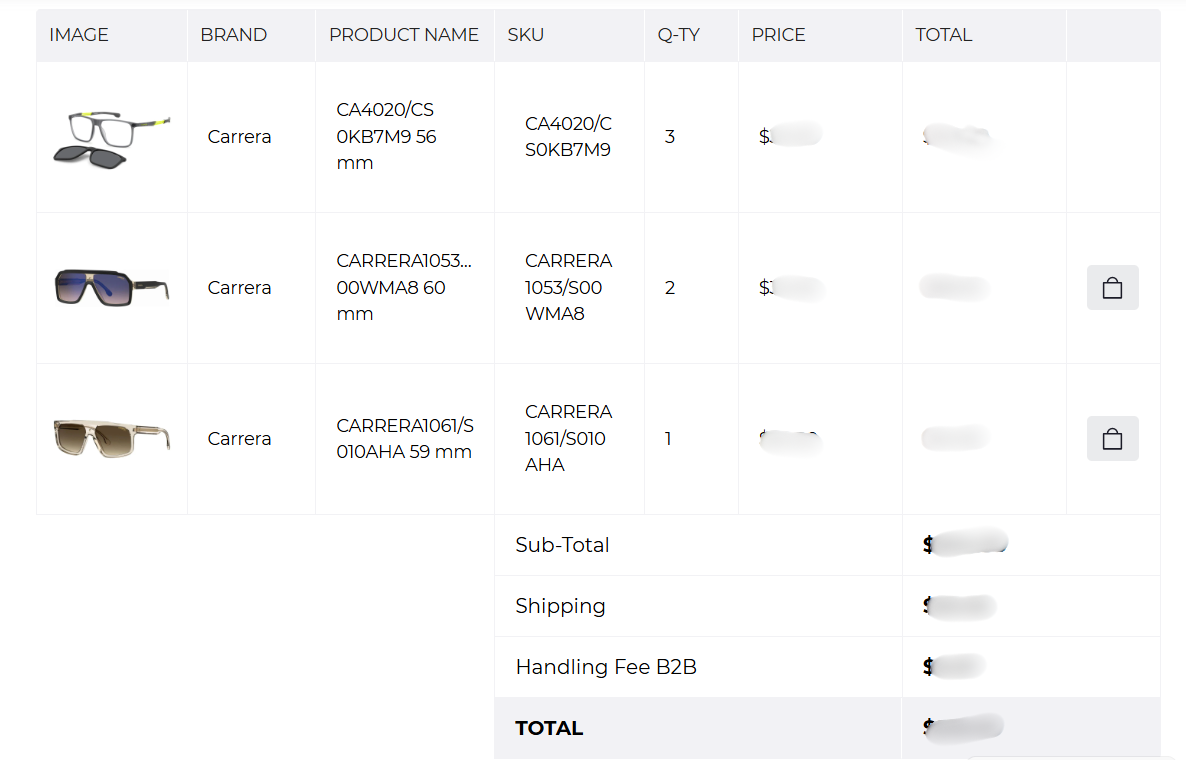
- Shipment ID & Order ID – Displayed at the top for easy reference.
- Tracking Number – Visible here, with a clickable link for tracking.
- Shipping Address – The destination address where your order was shipped.
4. Shipment Statuses
You’ll see the status of each shipment as:
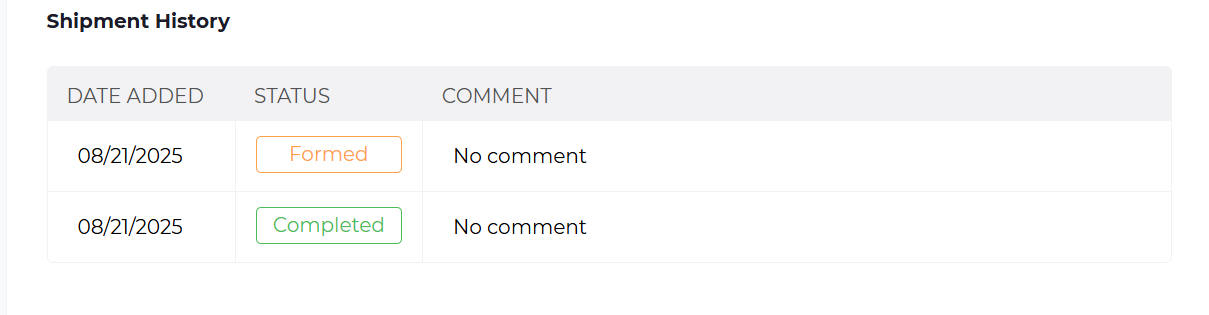
- Formed – Order has been processed but not yet shipped.
- Completed – Shipment has been delivered successfully.
5. Additional Features:
- Comments – This section will show any additional notes or comments regarding the shipment, if applicable.
Use the Shipment ID to track your order and see the status updates.
Check the status to verify if the order is processed, in transit, or delivered.